The hour-by-hour plan, with the sky attached
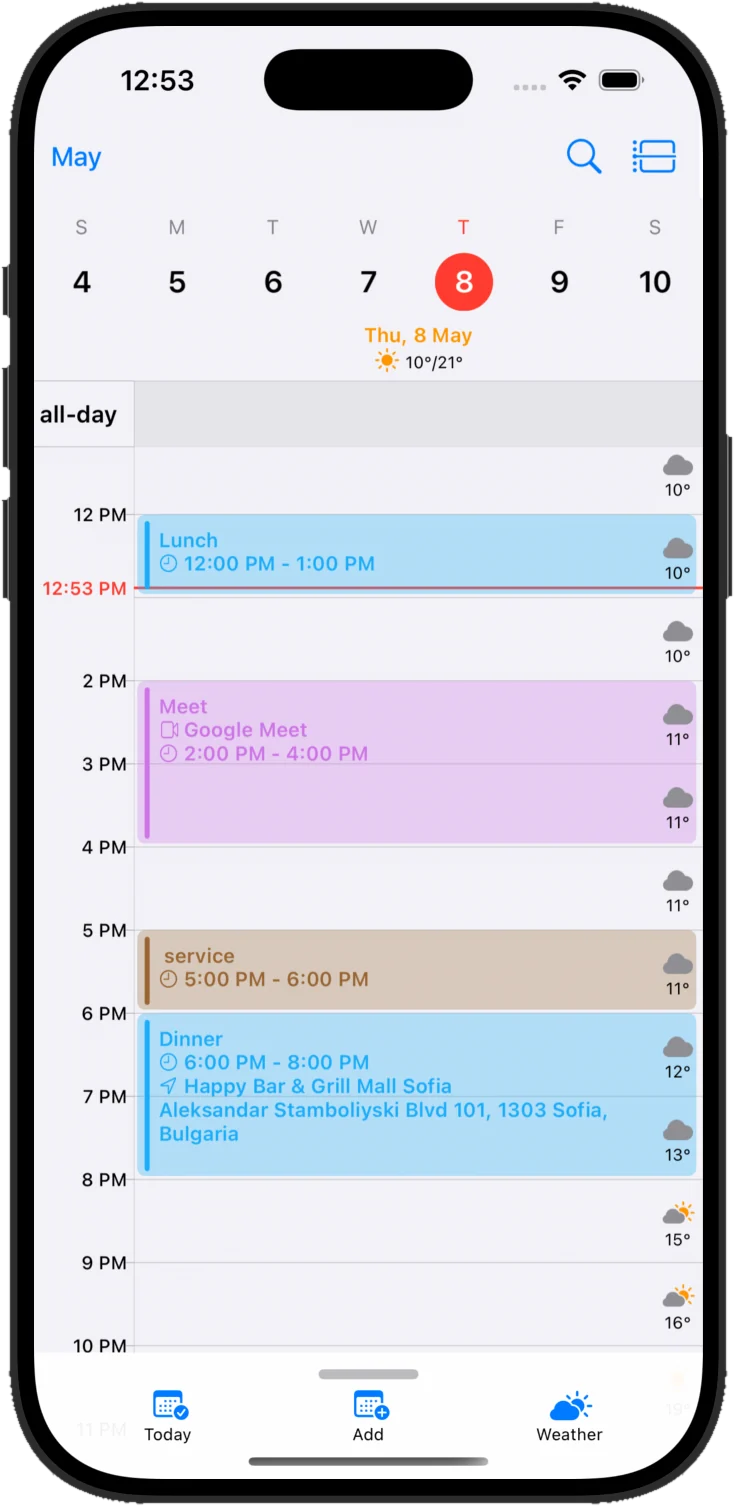
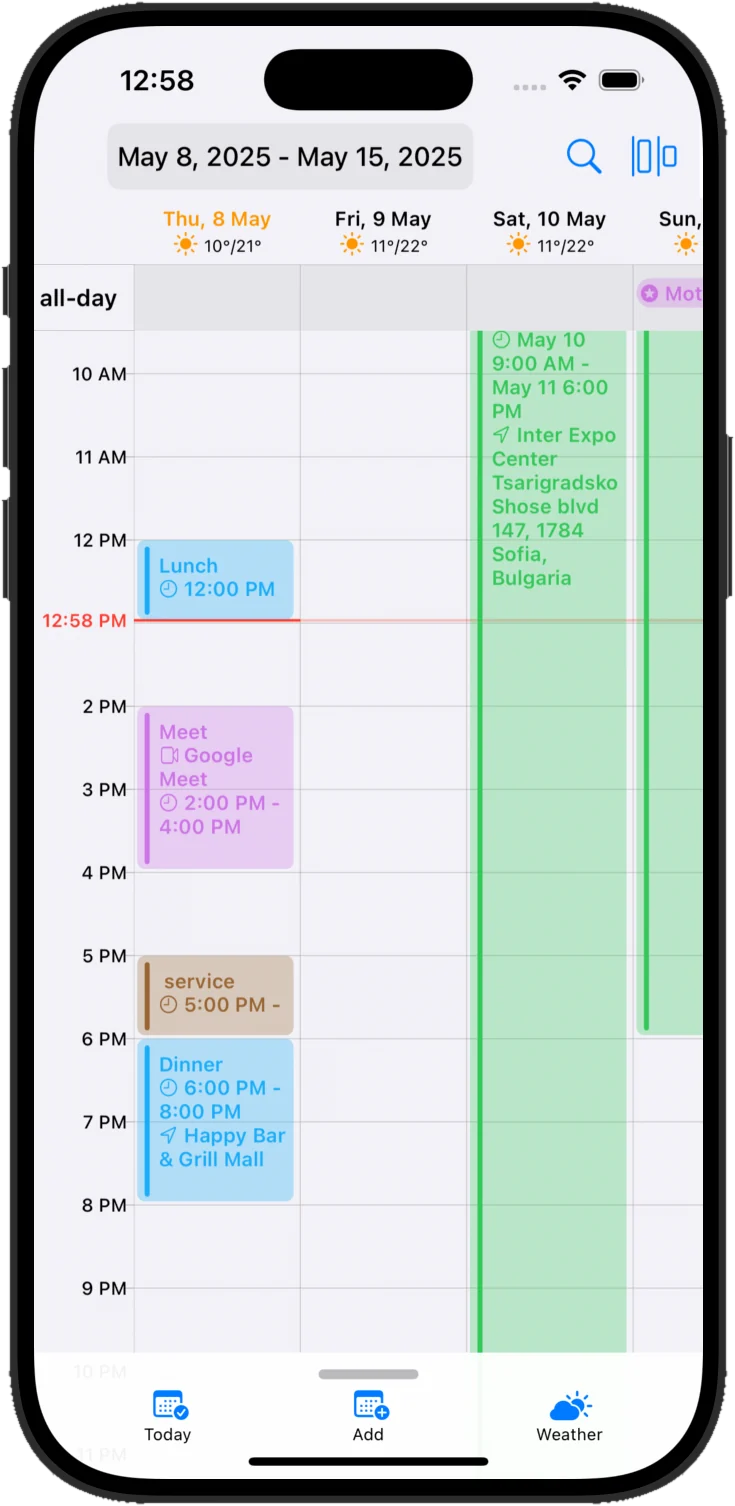
An hourly grid where every row carries its own forecast. You see the 3pm meeting and the 3pm rain in the same glance — no second app, no guessing.
- Live "now" line
- Hourly temperature
- Drag to reschedule
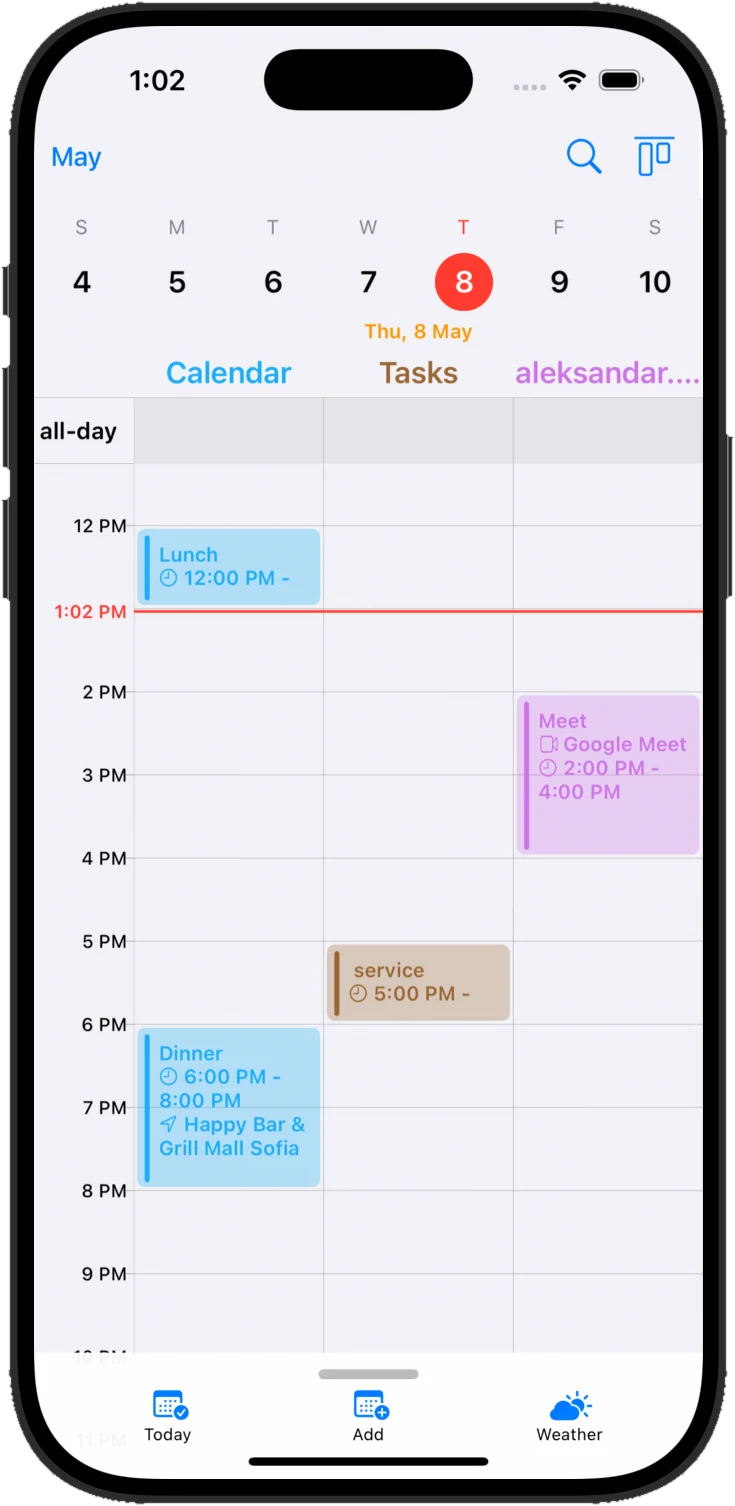
Every calendar you own — iCloud, Google, Microsoft — in one place, with the forecast built into the day itself. Stop guessing what the afternoon looks like.
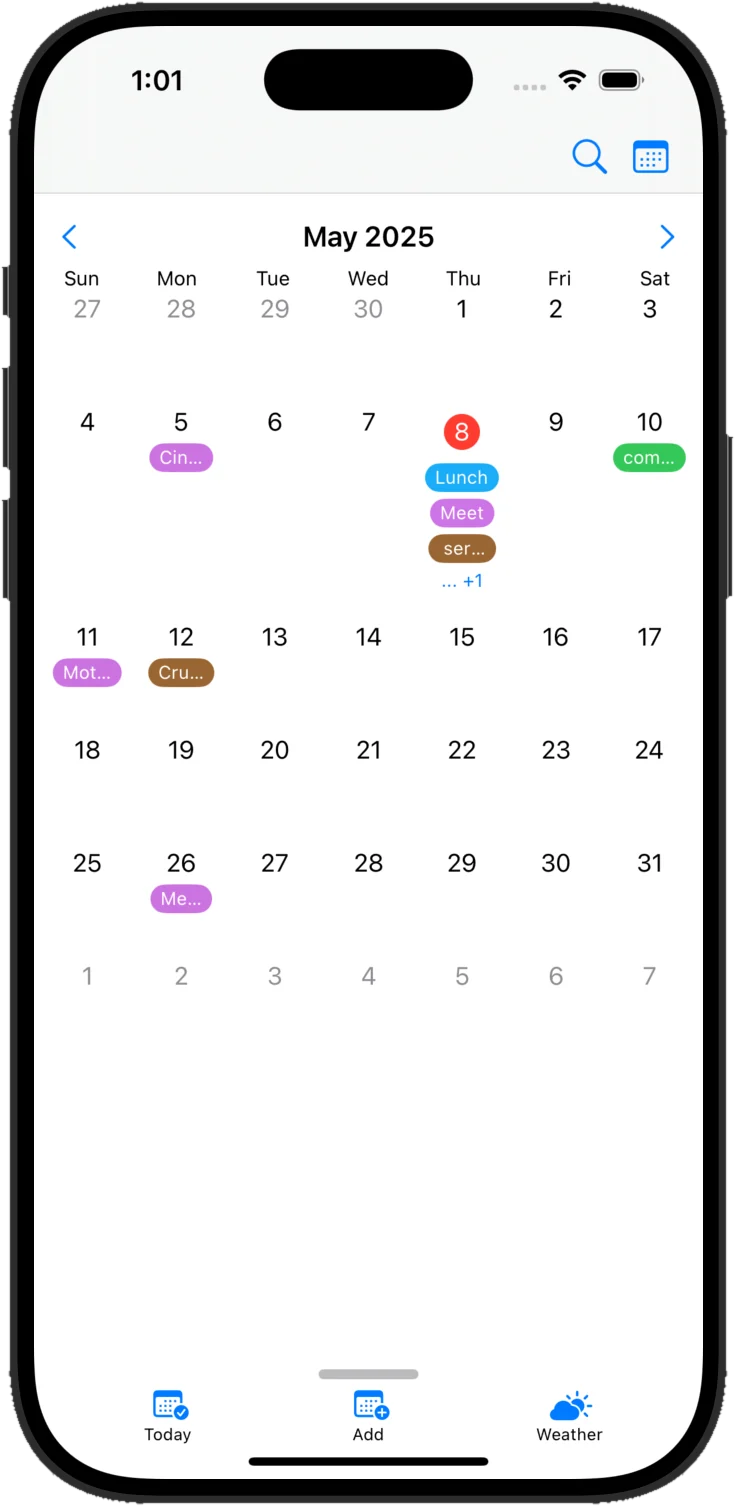
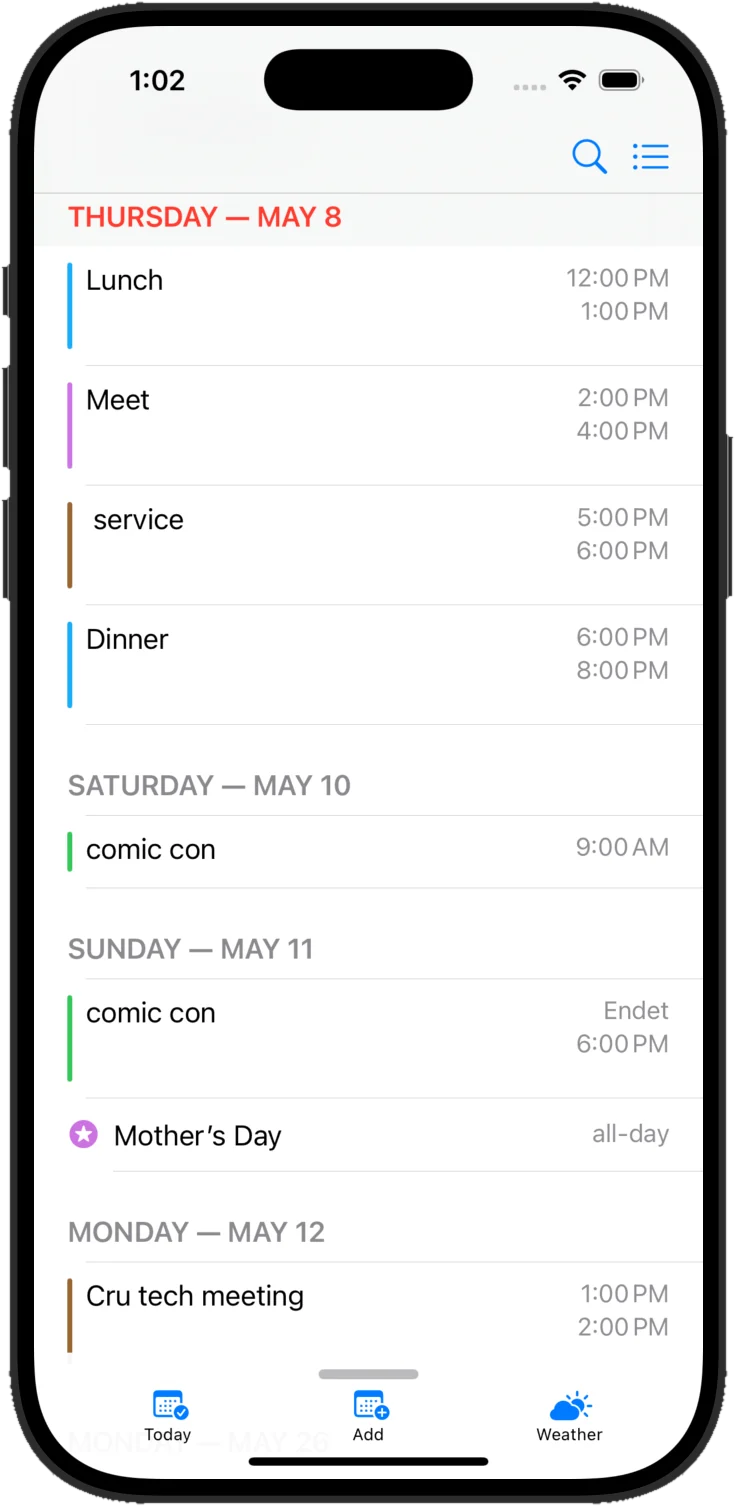
Cloud Calendars supports iCloud, Google Calendar and Microsoft sync, day, week, month, year and list views, hourly weather, Home Screen widgets, Live Activities, Google Meet and Microsoft Teams links.
The tour
An hourly grid where every row carries its own forecast. You see the 3pm meeting and the 3pm rain in the same glance — no second app, no guessing.
Weather hub
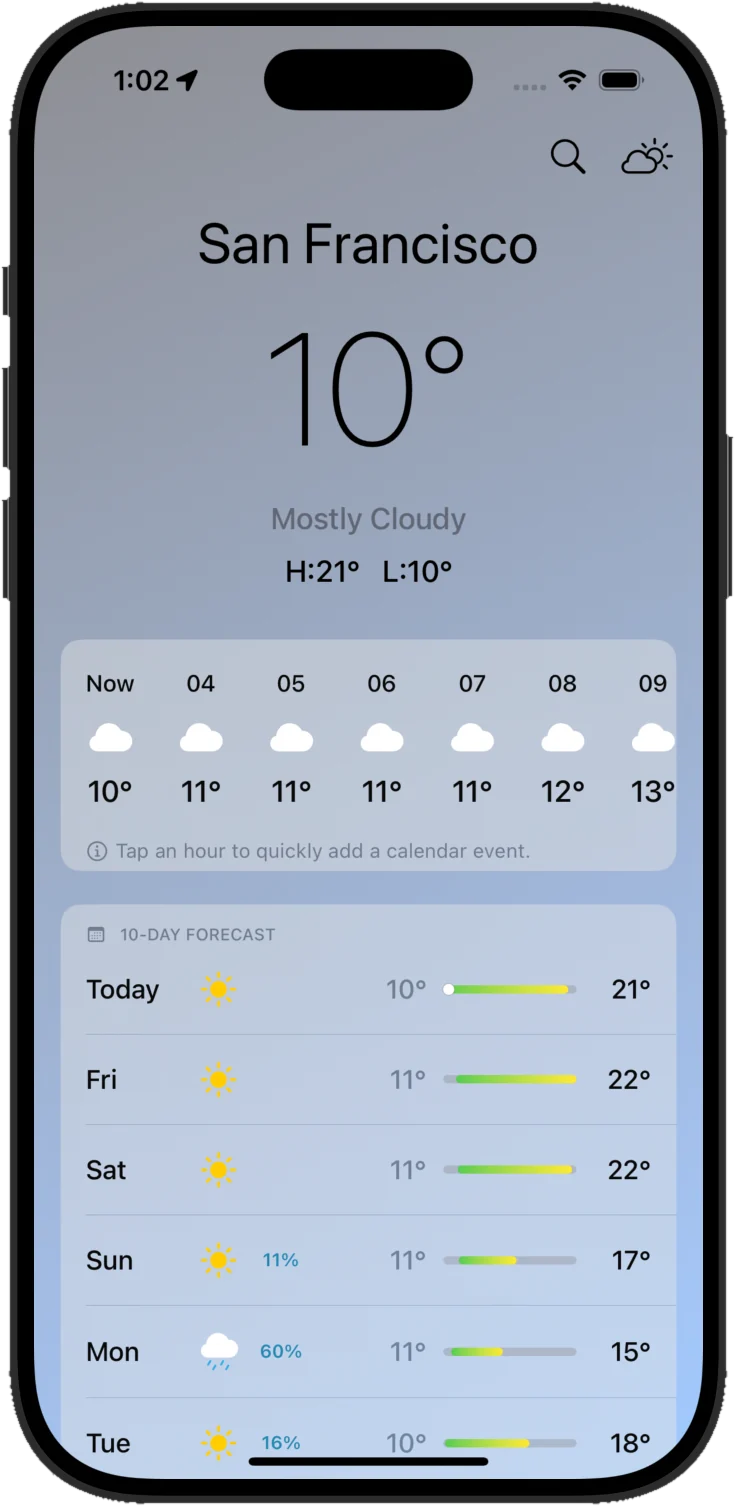
Temperature, feels-like, precipitation, UV, wind, humidity, visibility and pressure — each one a scrubable hourly chart. Tap any hour in the forecast and the app opens a new event already set to that time.
In the app, tap an hour to drop an event straight onto it.
Two degrees below actual — the wind is doing it.
A band moving through between 4 and 7pm.
High around noon. Cover up between 11 and 3.
West-south-west, gusting to 17 late afternoon.
Dew point 55° — comfortable.
Rising steadily since dawn.
Everything else
Three accounts, one grid, and a set of gestures that behave the way your hands expect them to.
iCloud, Google Calendar and Microsoft Outlook, synced two ways and colour-coded in a single view. Toggle any calendar off when you don’t want to see it — the rest keeps working.
Grab an event and slide it to a new time or a different day. Pull its top or bottom edge to change how long it runs. No modal, no save button.
Create an event on a Google calendar and a Meet link is attached. Create one on Microsoft and you get a Teams link. Nobody has to paste anything.
Tap any hour in the weather hub and a new event opens, already set to that time. Find the dry window, then book it.
Events are read through Apple, Google and Microsoft’s own APIs and rendered on device. Nothing is sold, and there is no account to create.
Pricing
iCloud sync, Google sync, every view, the whole weather hub and all the widgets cost nothing. Upgrade only if you want the ads gone or your Microsoft calendar in there too.
Everything you need to run your week.
$0forever
A quieter app and deeper calendar control.
$0.49/ month
Everything in Free, plus:
For work calendars that live in Microsoft.
$4.99/ month
Everything in Advanced, plus:
Subscriptions renew automatically and are billed through your Apple ID. Cancel any time in your App Store account settings, at least 24 hours before the period ends.
Questions
Still stuck? Everything about data handling is written out in the privacy policy.
No. The app reads the calendars already on your iPhone through Apple’s own EventKit, so iCloud works the moment you grant permission. You only sign in to Google or Microsoft if you want those calendars in there too.
Yes. Google sync, every calendar view, the complete weather hub, all the Home Screen widgets and Google Meet links are in the free tier. Advanced removes ads and adds cross-calendar management; Premium adds Microsoft.
Forecasts are fetched for your current or chosen location and cover hourly and ten-day outlooks, feels-like temperature, precipitation, UV, wind and gusts, humidity and dew point, visibility, pressure, sunrise and sunset, and moon phase.
That is the main way to edit. Drag an event to another time or another day, or pull its top or bottom edge to change the duration. Changes sync straight back to the source calendar.
Three sizes. Small gives the date with the current condition and temperature. Medium adds conditions, moon phase and wind direction. Large puts your next few events beside the forecast. A Live Activity counts down to your next event.
iPhone and iPad running iOS 18 or later. The app is about 35 MB.
Subscriptions are handled by Apple, so you cancel in your App Store account settings. Do it at least 24 hours before the period ends and you will not be charged again.
Free on the App Store. No account, no onboarding wizard — grant calendar access and your week is already there.